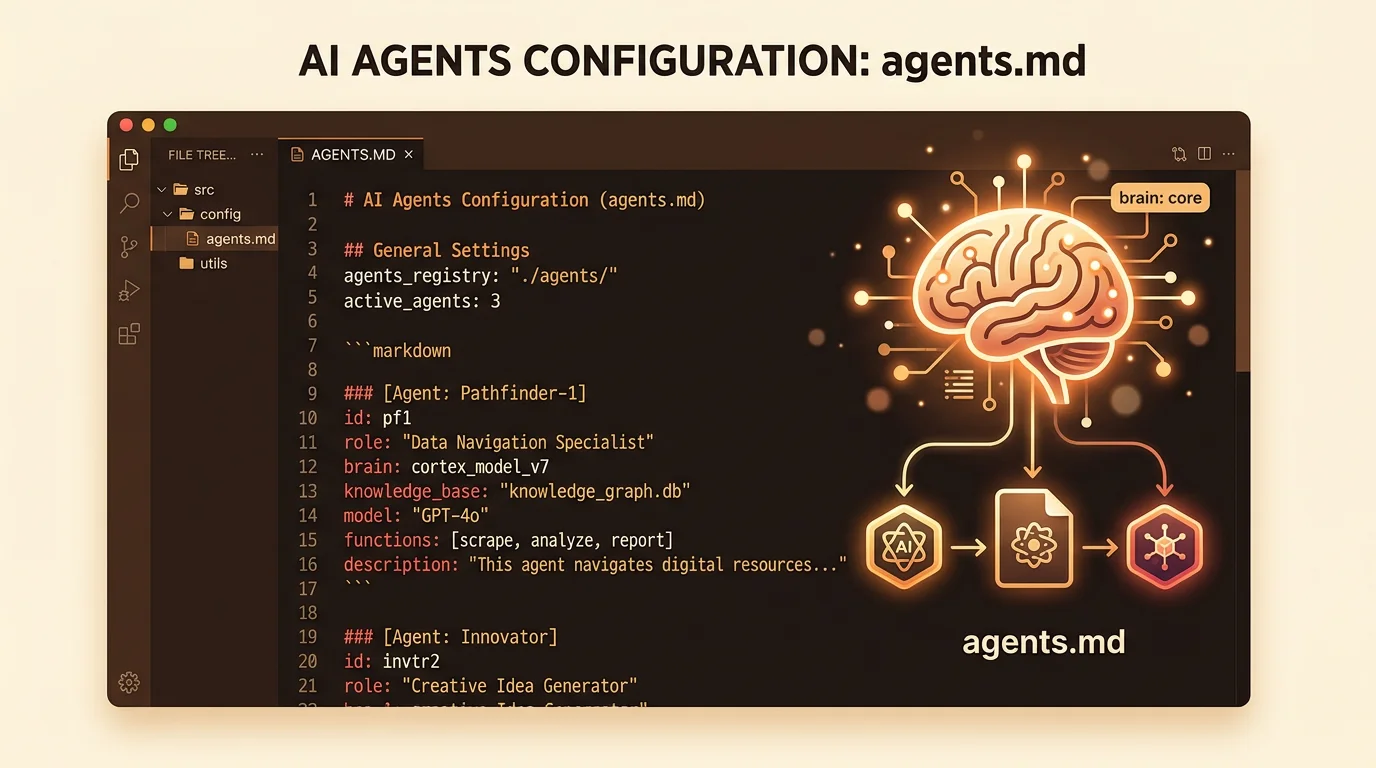
Understanding agents.md
If you're building with AI agents, you need to know about agents.md - the universal standard for agent instructions.
What Is agents.md?
agents.md is a specification for providing context to AI agents through markdown files.
Think of it as:
- README.md for humans
- AGENTS.md for AI agents
The Problem It Solves
Without agents.md, every AI tool has its own format:
- Claude Code uses custom instructions
- Cursor has .cursorrules
- GitHub Copilot has settings files
- Aider has .aiderignore
You'd need different files for every tool.
With agents.md:
- One file - AGENTS.md (uppercase)
- One format - Standard markdown
- Works everywhere - 20+ AI platforms support it
How It Works
Place an AGENTS.md file in any directory:
# Marketing Department## PurposeDrive customer acquisition and brand awareness.## Responsibilities- SEO optimization- Content creation- Social media management## Current Tasks- [ ] Optimize landing page SEO- [ ] Write weekly blog post- [ ] Schedule social media postsWhen an AI agent works in that directory, it:
- Finds AGENTS.md (or CLAUDE.md)
- Reads the context
- Uses it to inform decisions
Real-World Example
Let's say you ask Claude Code to write a blog post:
Without AGENTS.md:
Claude: "What should I write about? What's the company's voice? Who's the target audience?"
With AGENTS.md:
`markdown# Marketing Department
>
## Brand Voice
- Professional but approachable
- Technical accuracy with human warmth
- Focus on empowering founders
>
## Target Audience
- First-time founders
- Technical background preferred
- Interested in AI/automation
- Age 25-45
>
## Content Strategy
- Problem-solution format
- Real examples over theory
- SEO keywords: "AI agents", "business automation"
`Claude reads this and writes exactly the right content without asking.
Why Uppercase?
You might wonder: "Why AGENTS.md and not agents.md?"
Answer: Visibility and convention.
Uppercase files stand out:
- README.md
- LICENSE
- CONTRIBUTING.md
- AGENTS.md
They signal: "This is important. Read me first."
Both variants work, but uppercase is the standard.
What Goes in AGENTS.md?
Good AGENTS.md files include:
1. Purpose
What is this directory/function for?
## PurposeThis is the customer support function. We help customers succeed with our product.2. Responsibilities
What should agents in this context do?
## Responsibilities- Answer customer questions- Create help documentation- Track common issues- Escalate bugs to engineering3. Context
What does the agent need to know?
## Product Details- SaaS platform for business automation- Pricing: $29/mo (starter), $99/mo (pro)- Key features: Agent deployment, visual modeling, filesystem storage4. Constraints
What should agents NOT do?
## Constraints- Never share customer data- Don't promise features not yet built- Escalate refund requests to management5. Examples
Show, don't just tell:
## Example Support ResponseCustomer: "How do I deploy an agent?"Response:"Great question! Here's how to deploy an agent:1. Open your organization's universe view2. Click on the business function node3. Select an agent type from the library4. Click a grid cell to place the agentThe agent will automatically be created in your filesystem.Need help with a specific step? Let me know!"Nested AGENTS.md Files
The power of agents.md comes from nesting:
/company├── AGENTS.md # Company-wide context├── marketing/│ ├── AGENTS.md # Marketing context│ ├── content/│ │ └── AGENTS.md # Content team context│ └── seo/│ └── AGENTS.md # SEO team context└── engineering/ ├── AGENTS.md # Engineering context └── frontend/ └── AGENTS.md # Frontend team contextAgents read the most specific file, then parent files for broader context.
Supported Platforms
agents.md works with:
- ✅ Claude Code
- ✅ Gemini CLI
- ✅ Cursor
- ✅ GitHub Copilot
- ✅ Aider
- ✅ Windsurf
- ✅ Cline
- ✅ Continue
- ✅ Zed
- ✅ And 15+ more...
EvolC + agents.md
EvolC embraces agents.md fully:
- Auto-generation: When you create a business function, we generate AGENTS.md
- Visual editor: Edit AGENTS.md files through the UI
- Agent execution: Our agents read AGENTS.md for context
- Standard compliance: We follow the spec exactly
Getting Started
Want to use agents.md in your project?
Step 1: Create AGENTS.md
In your project root:
touch AGENTS.mdStep 2: Add Context
# My Project## Purpose[What this project does]## Tech Stack[Languages, frameworks, tools]## Code Style[Conventions to follow]## Important Files[Where things are]Step 3: Use AI Tools
Now when you run Claude Code, Cursor, or any supported tool, it automatically reads AGENTS.md and understands your project.
Best Practices
- Be specific: "Write professional blog posts" → "Write 800-word blog posts in problem-solution format targeting technical founders"
- Use examples: Show what good looks like
- Update regularly: Keep AGENTS.md current as your project evolves
- Nest appropriately: General context at top, specific context in subdirectories
- Version control: Commit AGENTS.md to git so context evolves with code
Learn More
- Official spec: agents.md
- Examples: github.com/EvolC-com/evolc/tree/main/business
- Discussion: Join our Discord (coming soon)
Using agents.md in your projects? Share your experience →